
























Compatibility at a glance
- Hardware scope
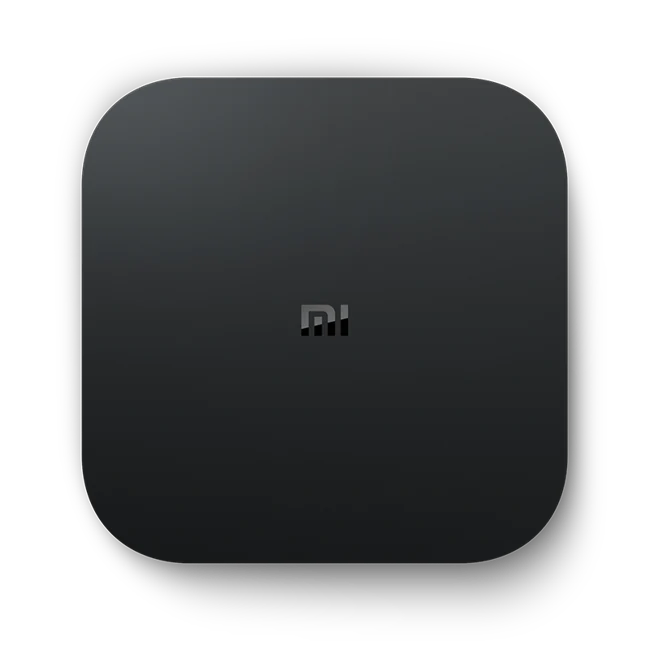
- Xiaomi Mi Box S
- Operating system
- Android TV OS
- Native route
- Platform store / documented receiver route; Android APKs only on a matching Android runtime
- Golden player/build
- Exact listing, minimum version, signature and hardware playback NOT VERIFIED
- Account method
- Use only the player-specific method issued by Golden OTT; no public credentials
- Region / version
- Actual store country, hardware generation and installed release required
- Evidence
- Manufacturer/platform documentation checked 2 November 2026; physical-device and Golden account tests NOT TESTED
Follow this platform’s native route
These are documented platform controls, not a claim that a particular Golden player is listed or tested. Confirm the exact player before installation.
- From Home, open Apps, then Google Play Store.
- Search for the exact television player confirmed for your account. Check the publisher and TV listing; a phone-only app is a different build.
- Follow the available listing’s installation instructions and open the app.
- Check remote navigation and the account screen before requesting the matching service method.
Choose the actual operating-system route
An Android label does not establish Widevine, codec or remote-control support. Low-cost boxes can differ substantially from certified Android TV hardware.
Find the player for this platform
Use the television or box version of Google Play where available. Choose an app that supports remote navigation rather than assuming that a phone-only player will work well on the television. Download packages only from the route confirmed for the chosen player.
Installation scope
Android TV OS. ANDROID TV OS PACKAGE CAPABILITY — exact app/build and hardware support UNKNOWN. Exact player compatibility remains a separate confirmation.
Manufacturer-specific distinction
Google documents the television’s Play Store as its app route. Find the TV listing on that device rather than assuming a phone-only package has usable remote controls. Store availability and support for a specific Golden build remain separate questions.
Android TV application management
Use the issued account format
Username/password, M3U and activation-code accounts use different forms. Check the app title and login screen before entering details. The playlist name is usually a local label; it is not the server address.
Check the connection at the device
Check the network on the Android TV device itself. A phone beside the router does not measure the television connection. Use Ethernet where available or compare a nearby 5 GHz access point with the existing connection.
Keep decoding and output separate
Hardware decoding can reduce CPU load, but codec support still depends on the box. Change one decoder option at a time and return to the prior setting if audio, subtitles or seeking stop working.
Learn this input method
TV-focused players normally use separate panels for category, channel and EPG. Practise the Back button and programme-information button before an important event; a long Back press may exit the player.
Finish with a small reference session
Request the one-day trial after preparing this route. Test your named sources, sound and input controls on the intended connection.
Find the exact account/player record · Prepare the trial · Find the relevant symptom