
Golden Smart
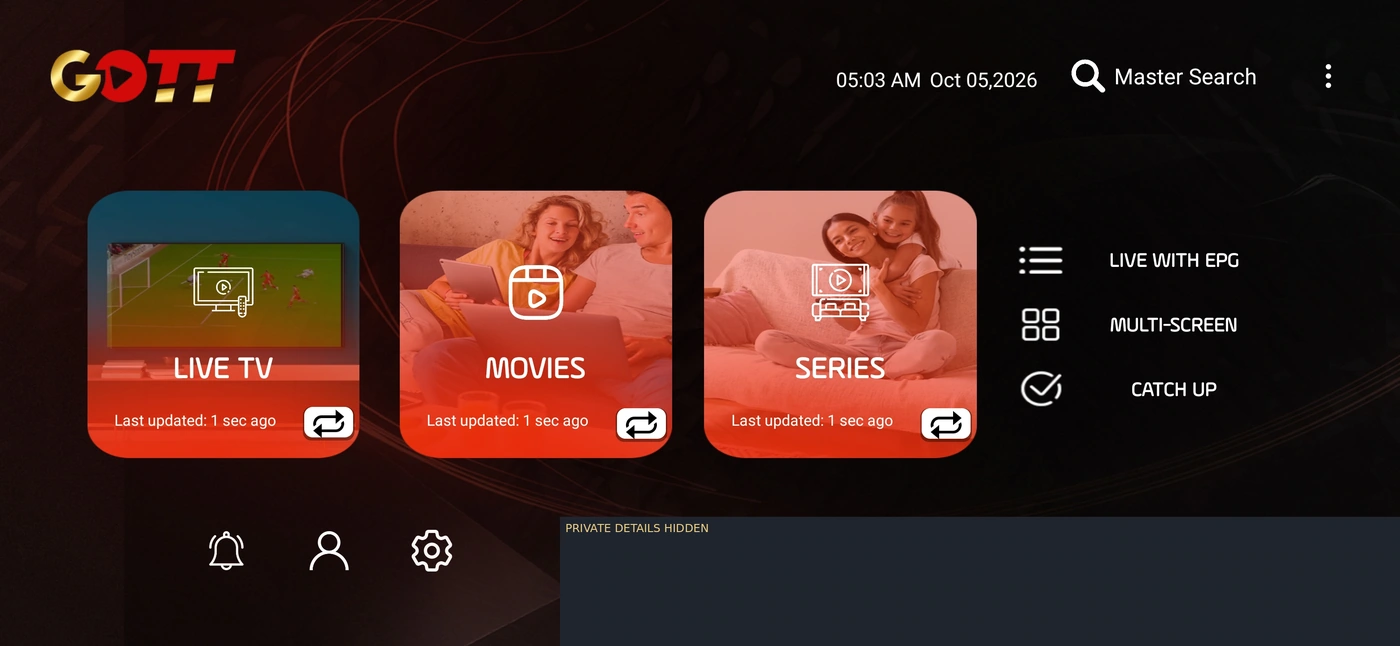
A red-and-black home interface with Live TV, Movies, Series and guide navigation. Confirm the exact build and account method.
Explore this playerExplore Golden Smart, IBOGOLD, TiviGold, OTT Platinum and receiver setup records. Match the exact build, operating system and login method.

Golden Smart: choose Mobile or TV · Read the card details
 Netflix
 Prime Video
 Disney+
 HBO Max
 Apple TV
 Hulu
 Paramount+
 Peacock
 YouTube TV
 Tubi
 DAZN
 ITVX
 Premier League
 UEFA Champions League
 Formula One
 NBA
 NFL
 Wimbledon
 Indian Premier League
 UFC
 Major League Baseball
 MotoGP
 NHL
 La Liga
Reference marks help identify a viewing question. Platform memberships, exact programmes and current account availability are checked separately.
A red-and-black home interface with Live TV, Movies, Series and guide navigation. Confirm the exact build and account method.
Explore this player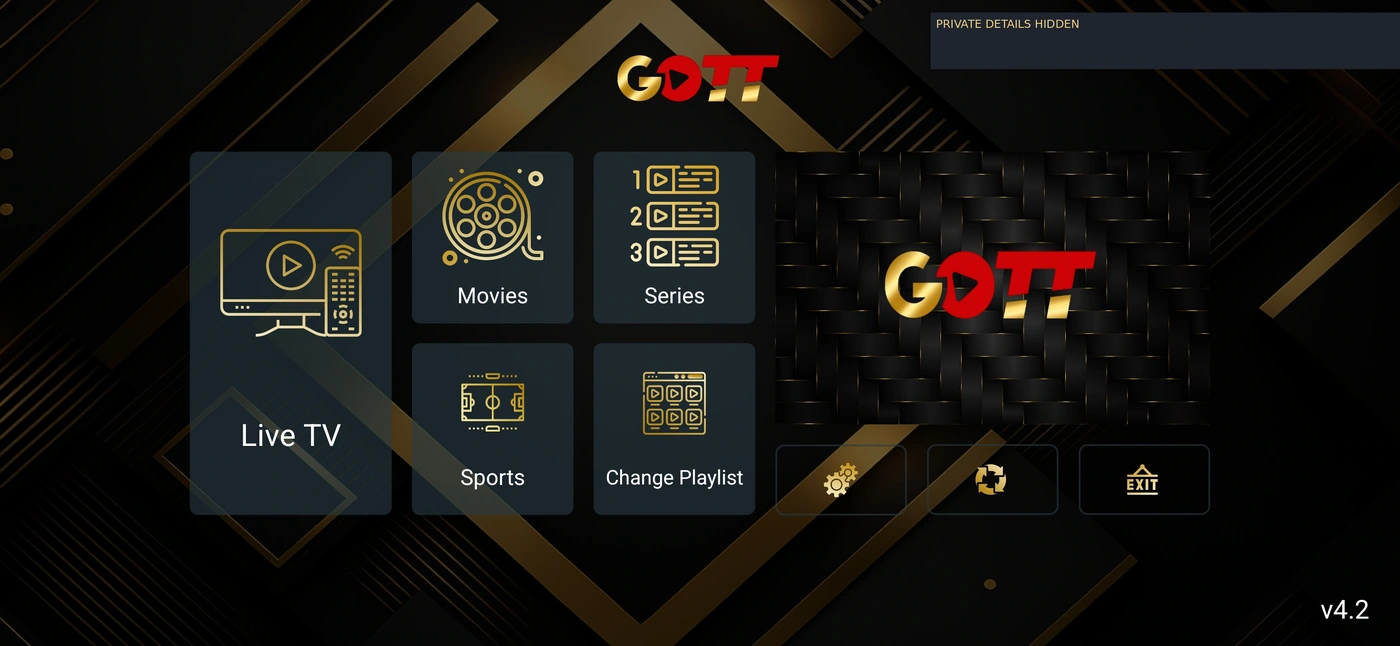
A gold-and-black interface with distinct live, movie and series browsing. Match the listed playlist route to your account.
Explore this player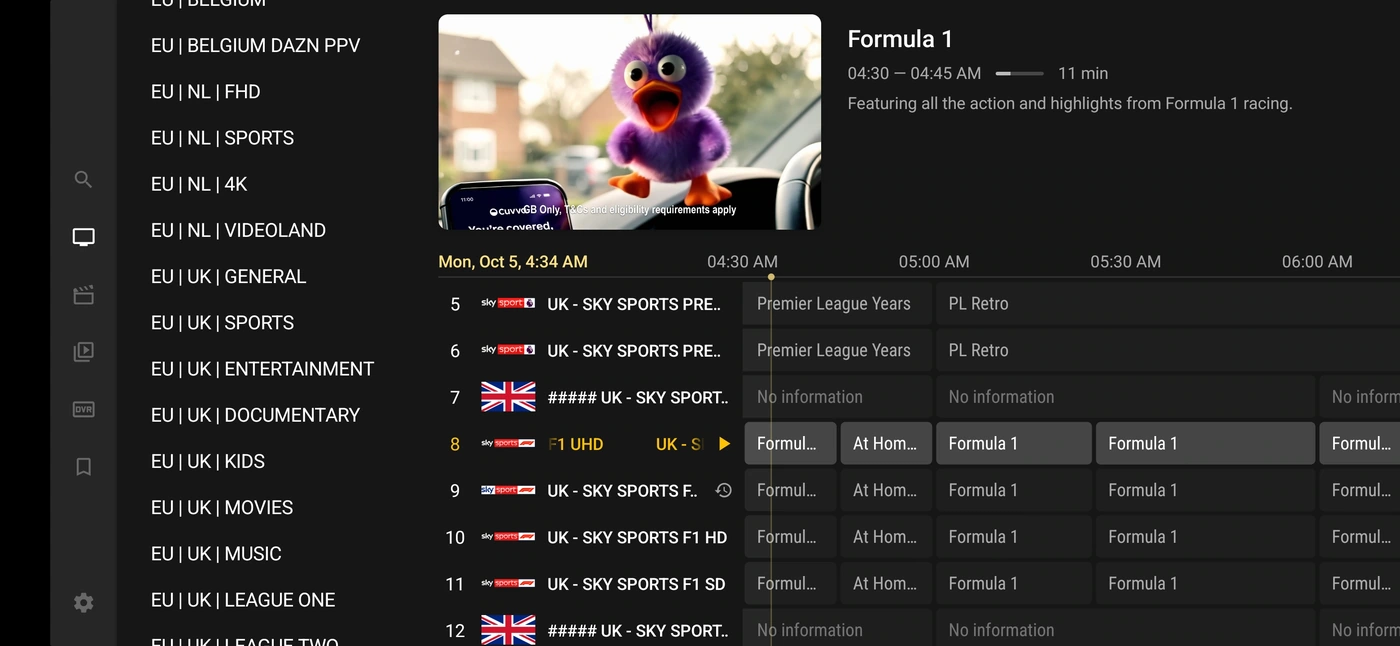
A charcoal interface with playlist onboarding and programme-guide navigation. Native styling is preserved in the walkthrough.
Explore this playerThese setup references identify named account routes. Confirm binary provenance, store availability, app fees and exact hardware compatibility for the route you intend to use.
The supplied screens show Mobile/TV device selection, a playlist form and separate Live TV, Movies and Series views.
Review the routeThe supplied screens show a worldwide welcome map, a playlist form, live categories and movie or series libraries.
Review the routeThe uploaded TiviGold screens show Add Playlist onboarding, a detailed programme guide and category navigation.
Review the routeChoose the USER&PASS V1 build when support supplies server-login details. Its exact UI can differ from the newer Golden Smart screenshot examples.
Review the routeThis is the active-code variant of the V1 route. Use the code supplied by support after trial or order confirmation, not the installer Downloader code.
Review the routeUse the V4 USER&PASS package for supported server-login accounts. The uploaded OTT Platinum tutorial illustrates series playback; it does not verify every build screen.
Review the routeUse the V4 active-code build only when support confirms this route for the account. App installation and service activation are separate steps.
Review the routeThe V3.5 USER&PASS route is distinct from V4 and from the active-code build. Keep a working version until support confirms a migration.
Review the routeThe V3.5 active-code variant requires the corresponding account method. A download code locates an installer and does not unlock viewing access.
Review the routeConfirm the exact MAG model, firmware, portal and private device registration. This is a receiver setup route, not an Android APK.
Review the routeConfirm the exact MAG model, firmware, portal and private device registration. This is a receiver setup route, not an Android APK.
Review the routeConfirm the exact MAG model, firmware, portal and private device registration. This is a receiver setup route, not an Android APK.
Review the routeConfirm the exact MAG model, firmware, portal and private device registration. This is a receiver setup route, not an Android APK.
Review the routeConfirm the exact MAG model, firmware, portal and private device registration. This is a receiver setup route, not an Android APK.
Review the routeConfirm the exact MAG model, firmware, portal and private device registration. This is a receiver setup route, not an Android APK.
Review the routeConfirm the exact MAG model, firmware, portal and private device registration. This is a receiver setup route, not an Android APK.
Review the routeIdentify the receiver model and Enigma2 image before choosing the supported playlist or bouquet workflow.
Review the route