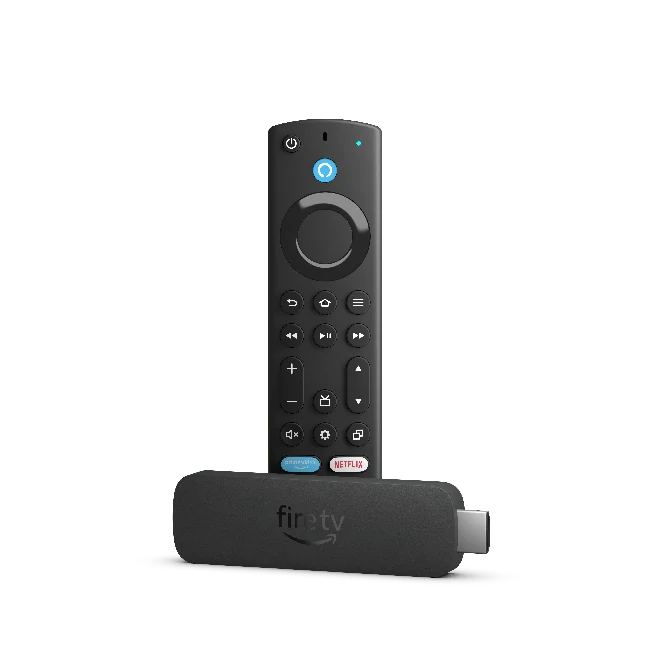
Fire TV Stick 4K Max, second generation (2023). Other Fire TV models can use a different OS.
Device setupAmazon Fire TV Stick
Fire TV is a device family, not a single software platform. Verify the model and operating system before following an Android-specific guide.
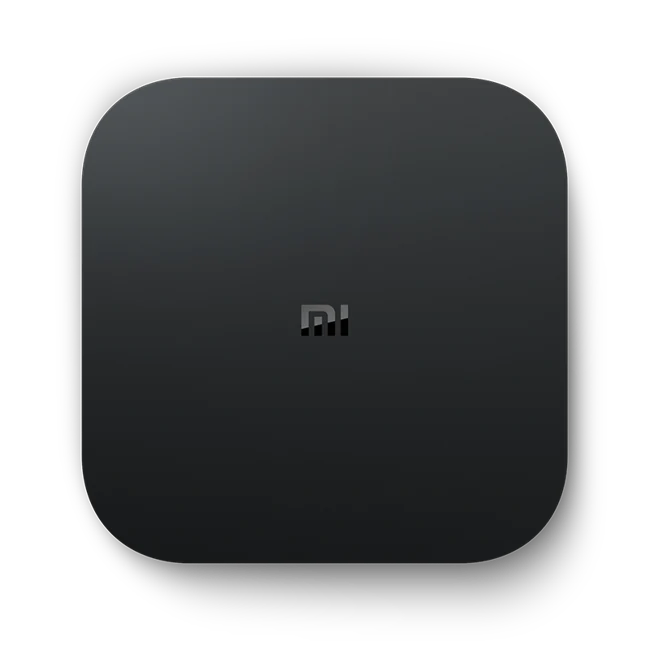
Read the setup guide Xiaomi Mi Box S product image, an Android TV hardware example; not every Android TV device.
Device setupAndroid TV
An Android label does not establish Widevine, codec or remote-control support. Low-cost boxes can differ substantially from certified Android TV hardware.
Read the setup guide Google TV Streamer (4K) hardware example. The guide covers the Google TV interface on Android TV OS.
Device setupGoogle TV
Google TV software does not guarantee that every Android APK or phone layout is usable with the remote.
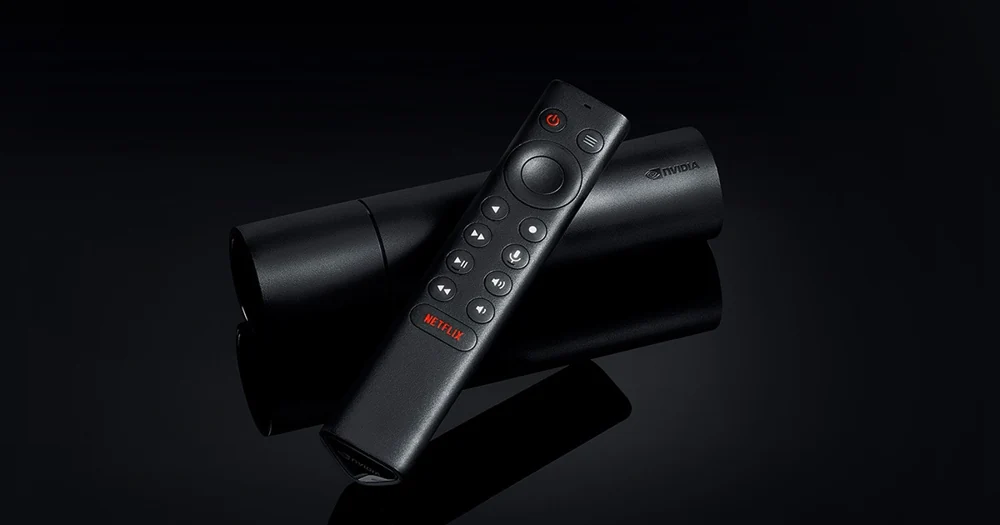
Read the setup guide NVIDIA SHIELD TV tube model with remote. SHIELD TV Pro is different hardware.
Device setupNVIDIA Shield TV
Do not equate an upscaling setting with a higher-resolution source. Keep source quality and display processing separate when evaluating a trial.
Read the setup guide Google TV platform mark. An exact Chromecast with Google TV product photo is not present in the approved collection.
Device setupChromecast with Google TV
Cast compatibility is an app feature and receiver capability, not a promise attached to the subscription.
Read the setup guide Tizen platform identification. A Samsung manufacturer mark is not an exact television model photo.
Device setupSamsung Smart TV
Samsung television compatibility depends on the model, country store and player. Do not treat all Tizen televisions as identical.
Read the setup guide webOS platform identification. No exact television model is implied by the platform mark.
Device setupLG webOS TV
App availability, licences and model support can change independently of Golden OTT. Confirm them during the trial.
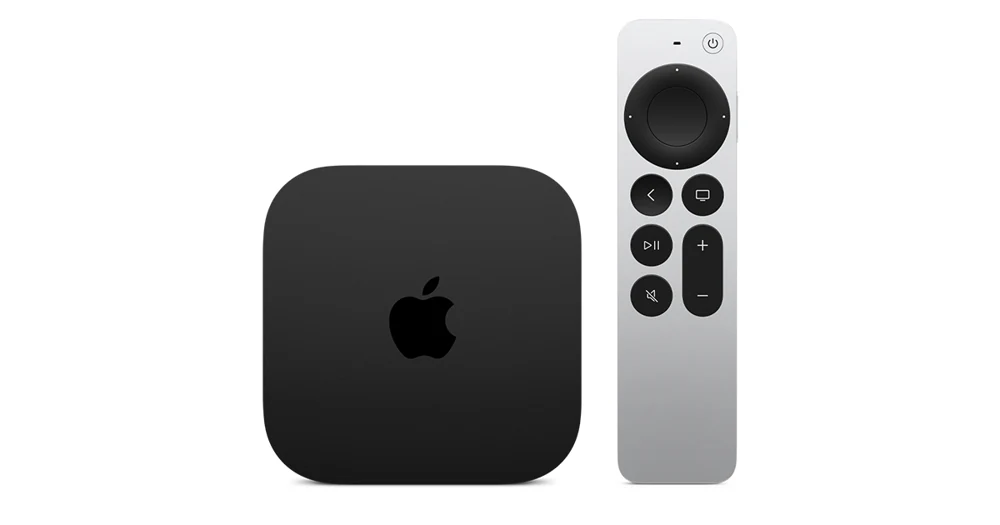
Read the setup guide Apple TV 4K and Siri Remote family image. Identify the generation before using the App Store steps.
Device setupApple TV
A compatible Apple TV player is required. The Golden-branded Android apps are not presented as native tvOS apps.
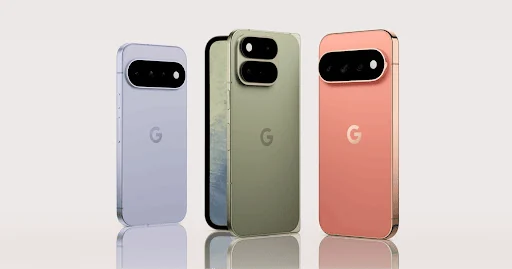
Read the setup guide Google Pixel phone family example. The illustration is not a Golden player installation or a model-wide support test.
Device setupAndroid phone
Phone compatibility depends on Android version, chip, app build and account format. Installing the player alone does not activate service.
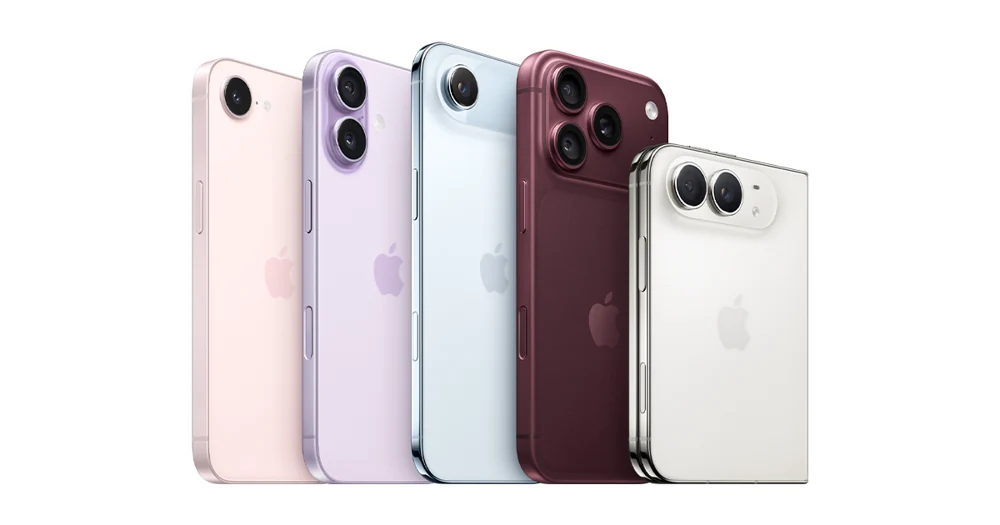
Read the setup guide Apple iPhone family image. Generation, iOS version and a matching player listing still need checking.
Device setupiPhone
Use a supported iOS player. Android Golden OTT app packages and downloader codes are not iOS installers.
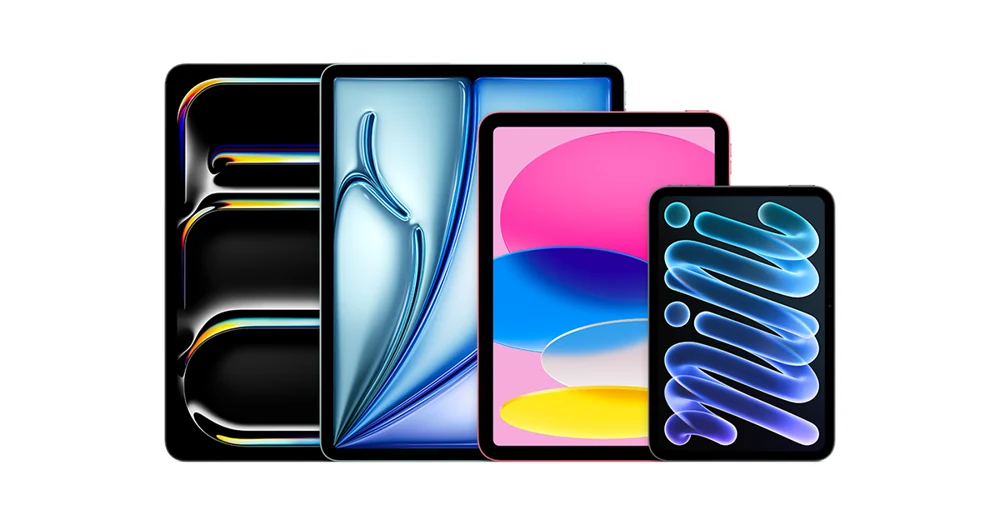
Read the setup guide Apple iPad family lineup. A family image does not establish an app listing or a minimum iPadOS version.
Device setupiPad
Tablet screen size does not determine account connection allowance. A second active device still consumes a concurrent connection.
Read the setup guide Windows 11 platform mark. This is an operating-system guide, not an exact PC model photograph.
Device setupWindows PC
Desktop compatibility requires a player that accepts the supplied format. A browser alone is not a universal IPTV player.
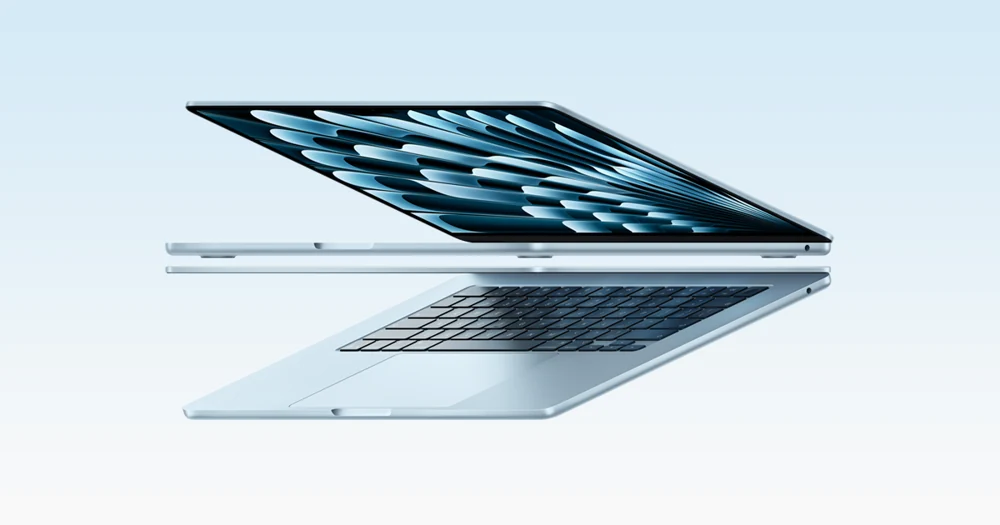
Read the setup guide Apple MacBook Air family example. Match your macOS release and processor to the player publisher’s requirements.
Device setupMac
macOS support is player-dependent. A subscription does not provide a licence for every third-party desktop application.
Read the setup guide Formuler manufacturer mark. No exact Formuler model product photograph is identified in the saved collection.
Device setupFormuler box
MYTVOnline features vary by model, version and service format. Confirm compatibility before transferring an existing account.
Read the setup guide Infomir manufacturer mark. The available MAG544 photograph is not a MAG420 and is not substituted here.
Device setupMAG 420
Portal support and source compatibility must be confirmed for the exact firmware and account. Firmware is not a substitute for a subscription.
Read the setup guide Infomir manufacturer mark. No exact MAG254 product photograph is identified in the saved collection.
Device setupMAG 254
Older hardware can need a lower-resolution or different codec source. Ask support about the exact model instead of expecting modern-box behaviour.
Read the setup guide Linux platform context. Enigma2 is a receiver software environment, not one hardware model.
Device setupEnigma2 receiver
Enigma2 is a software ecosystem across many receivers. No single install script or firmware package is correct for every box.
Read the setup guide Linux platform mark. Desktop distribution, CPU architecture and the player package need separate checks.
Device setupLinux desktop
Distribution, driver and package variations matter. A working Linux installation alone does not establish app or codec compatibility.
Read the setup guide Google TV Streamer (4K) product image. Built-in Ethernet is a hardware connection, not a playback guarantee.
Google TV hardwareGoogle TV Streamer (4K)
Connect and set up Google TV Streamer with its local-app route and built-in Ethernet. Keep the hardware connection separate from tested player support.
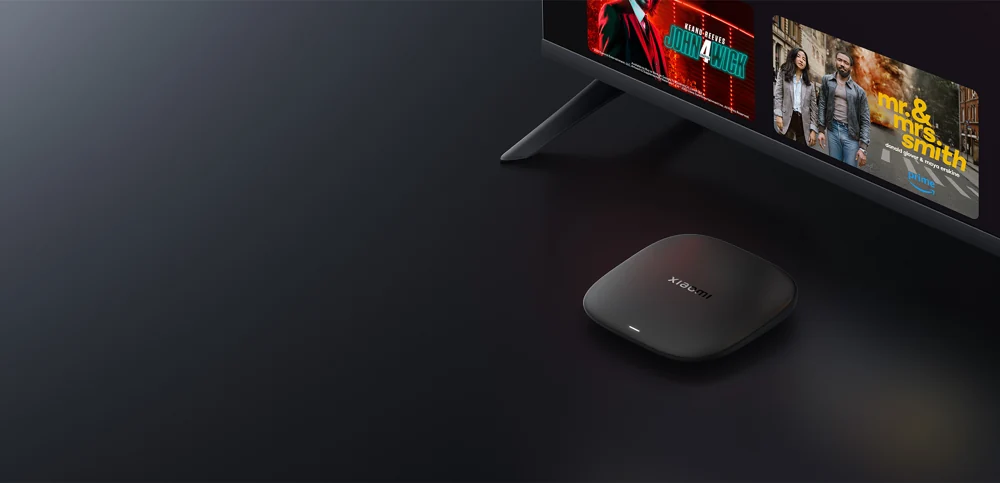
Read the setup guide Xiaomi TV Box S third-generation product image. This model uses Google TV and has no built-in RJ45 LAN port.
Xiaomi hardwareXiaomi TV Box S and Xiaomi TV operating systems
Identify the Xiaomi model and market before choosing Google TV or Android TV instructions. TV Box S third generation has no built-in RJ45 LAN.
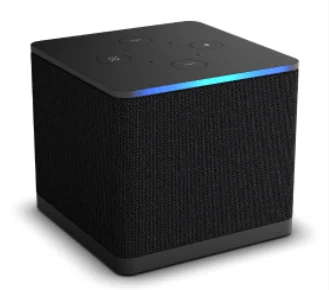
Read the setup guide Fire TV Cube third generation (2022). Do not infer the OS or package architecture of other generations.
Fire TV hardwareFire TV Cube third-generation setup
Identify the 2022 Fire TV Cube, distinguish its HDMI input/output and Ethernet, then use the supported native store route. Exact Golden player support is untested.
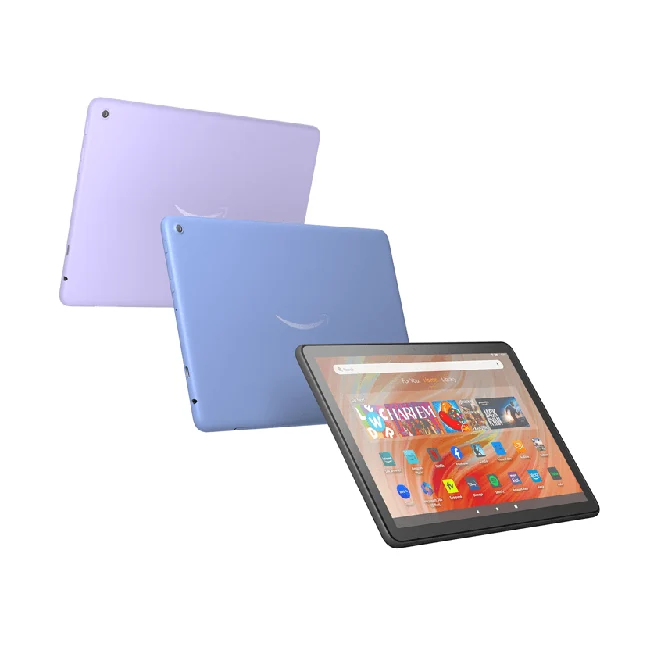
Read the setup guide Fire HD 10 (2023, 13th generation) product image. This touch device is not a Fire TV remote-control interface.
Touch-device setupFire tablet model and player setup
Find the Fire tablet generation and use its touch-device store route. A Fire TV player build and a Fire tablet app are separate compatibility questions.
Read the setup guide Roku manufacturer/platform mark. No exact Roku player or Roku TV product photograph is identified here.
Roku platformRoku and Roku TV: choose a supported player route
Find the native Roku app-store route and understand why an Android APK does not install as a Roku app. A matching Golden account/player listing is not verified.
Read the setup guide VIDAA platform mark. A Hisense brand name alone does not identify the installed television operating system.
VIDAA platformVIDAA TV: identify the OS and app route
Check the exact television operating system, model and native store before setup. Hisense branding alone does not identify VIDAA or establish Golden player availability.
Read the setup guide