
























The correct account route
OTT PLATINUM USER&PASS V4 is listed with the Username & password method. Match the installed app and account fields before entering any private details.
Identify the exact build
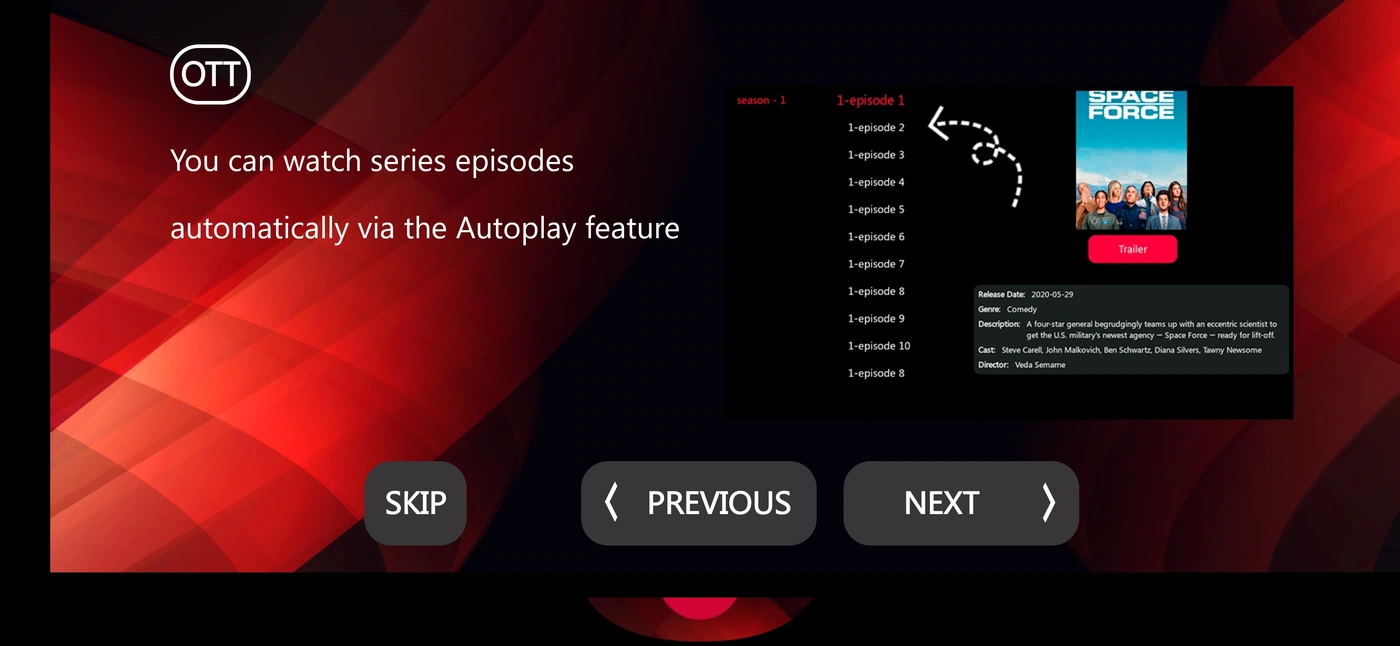
Use the V4 USER&PASS package for supported server-login accounts. The recorded OTT Platinum tutorial illustrates series playback; it does not verify every build screen.
The published Downloader installer reference is 2410130. It locates an installer; it is not an activation code and does not establish the binary signature or ownership.
Use the listed App Center destination to confirm the exact name, version and account mode. If the target differs, request the current route from support before installation.
2410130
Prepare the intended device
- Write down the device model and operating system.
- Confirm that the chosen player and build are appropriate for that platform.
- Install through the confirmed store or source, using only the permissions required for that route.
- Keep a working profile until a replacement has been verified.
See the compatibility matrix. Tizen, webOS, iOS, tvOS and desktop platforms have their own application environments; an Android package is not a universal installation method.
Request the one-day trial
Once the compatible player is installed, message Golden OTT on WhatsApp with the exact app, device and account method. Ask for the one-day trial. Installation alone does not activate a viewing account.
Enter the supplied details into the matching username & password route. Keep installer references, service activation codes, usernames, passwords and portal addresses distinct.
Check one small reference session
Open a named ordinary live source, check sound, return to the category list and inspect the programme guide if provided. For on-demand viewing, name the exact film or episode you want to test. A menu item does not establish every catalogue item or feature is available.
If one source fails while another works, preserve that distinction. Record the time and timezone, selected source and observed behaviour before changing several settings.
Licences, updates and privacy
The Golden OTT service term and any third-party player licence are separate. Confirm app fees, account expiry and migration requirements before paying or replacing a working installation.
Keep passwords, complete private playlist URLs, device keys and customer identifiers out of public screenshots. Send a private support enquiry if the app name, login screen or installer differs from this record.