
























Compatibility at a glance
- Hardware scope
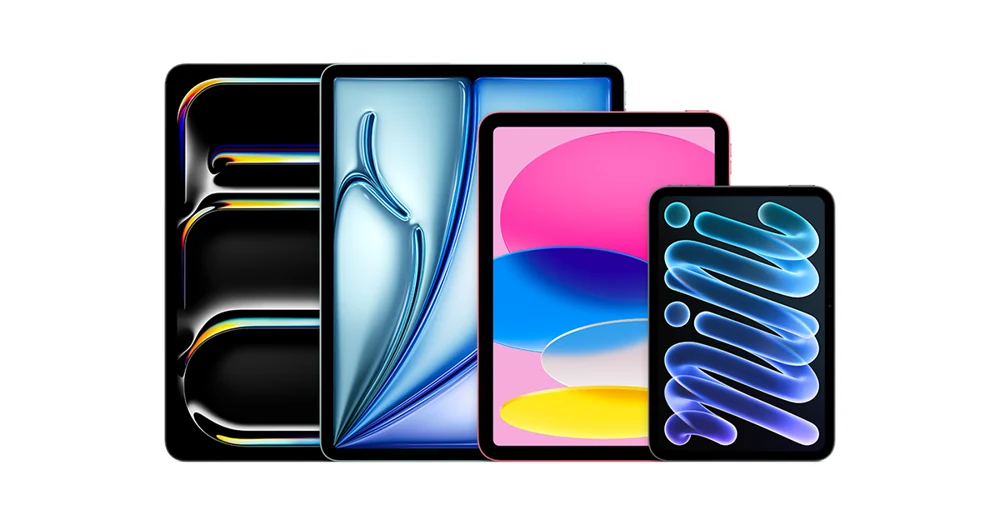
- Apple iPad family lineup
- Operating system
- iPadOS
- Native route
- Platform store / documented receiver route; Android APKs only on a matching Android runtime
- Golden player/build
- Exact listing, minimum version, signature and hardware playback NOT VERIFIED
- Account method
- Use only the player-specific method issued by Golden OTT; no public credentials
- Region / version
- Actual store country, hardware generation and installed release required
- Evidence
- Manufacturer/platform documentation checked 2 November 2026; physical-device and Golden account tests NOT TESTED
Follow this platform’s native route
These are documented platform controls, not a claim that a particular Golden player is listed or tested. Confirm the exact player before installation.
- Open App Store and search for the confirmed player, checking its iPad listing and minimum iPadOS release.
- Choose Get or the displayed price and complete the device’s normal authentication.
- Open the app full-screen and identify its issued account fields.
- For a separately supported AirPlay route, use a compatible receiver on the same Wi-Fi. In-app AirPlay and Control Centre screen mirroring are different actions.
Choose the actual operating-system route
Tablet screen size does not determine account connection allowance. A second active device still consumes a concurrent connection.
Find the player for this platform
Choose a compatible iPadOS player from the App Store. An enlarged phone app may work but can have different programme-guide and multitasking behaviour from a tablet-focused layout.
Installation scope
iPadOS. UNSUPPORTED as native Android APK installation — use this platform’s own app/receiver route. Exact player compatibility remains a separate confirmation.
Manufacturer-specific distinction
In-app AirPlay and Control Centre screen mirroring are different actions. Apple’s documented route uses a compatible receiver on the same Wi-Fi; some video apps do not support AirPlay. A working mirrored screen is not a universal player-casting test.
Apple AirPlay and screen mirroring
Use the issued account format
Use a named playlist profile to separate service accounts. If a hardware keyboard or password manager is involved, verify punctuation and remove unintended leading or trailing spaces.
Check the connection at the device
Compare the tablet on a stable home Wi-Fi connection before testing on a hotspot. A laptop or phone creating the hotspot can throttle traffic when battery saving starts.
Keep decoding and output separate
Split-screen and picture-in-picture behaviour varies by app. If playback fails only while multitasking, repeat the test with the player full-screen before investigating the account.
Learn this input method
A larger screen can make channel lists and programme information easier to inspect. Adjust text size only after checking that the player layout still displays full programme titles.
Finish with a small reference session
Request the one-day trial after preparing this route. Test your named sources, sound and input controls on the intended connection.
Find the exact account/player record · Prepare the trial · Find the relevant symptom