
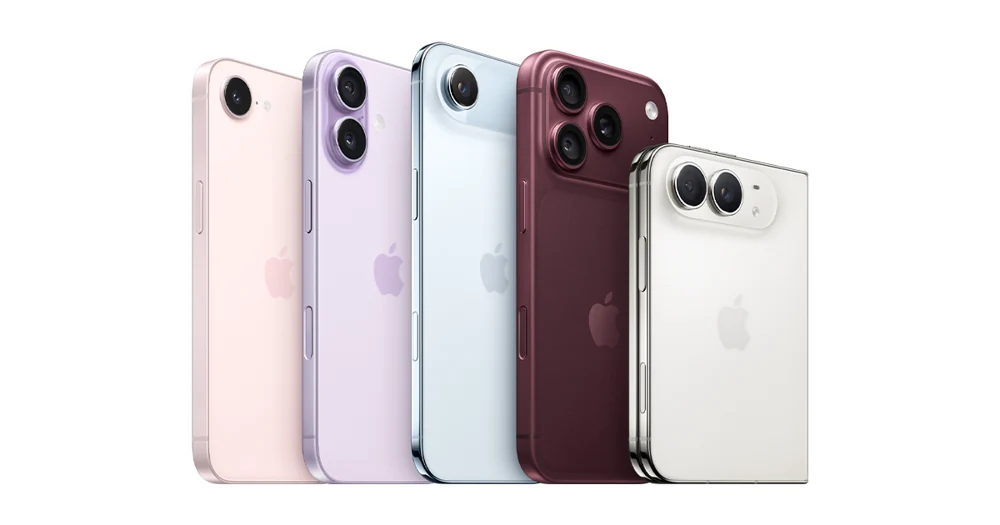
























Compatibility at a glance
- Hardware scope
- Apple iPhone family
- Operating system
- iOS
- Native route
- Platform store / documented receiver route; Android APKs only on a matching Android runtime
- Golden player/build
- Exact listing, minimum version, signature and hardware playback NOT VERIFIED
- Account method
- Use only the player-specific method issued by Golden OTT; no public credentials
- Region / version
- Actual store country, hardware generation and installed release required
- Evidence
- Manufacturer/platform documentation checked 2 November 2026; physical-device and Golden account tests NOT TESTED
Follow this platform’s native route
These are documented platform controls, not a claim that a particular Golden player is listed or tested. Confirm the exact player before installation.
- Open App Store, choose Search and find the exact iPhone player confirmed for the intended account.
- Check its publisher, supported iOS release and any app charges, then choose Get or the displayed price.
- Complete the device’s normal Apple authentication and open the app.
- If a supported nearby-device function needs it, review that named app under Settings → Privacy & Security → Local Network. This permission is separate from ordinary internet access.
Choose the actual operating-system route
Use a supported iOS player. Android Golden OTT app packages and downloader codes are not iOS installers.
Find the player for this platform
Use an iOS player available through the App Store and confirm its supported account formats. APK files are Android packages and are not a normal iPhone installation route.
Installation scope
iOS. UNSUPPORTED as native Android APK installation — use this platform’s own app/receiver route. Exact player compatibility remains a separate confirmation.
Manufacturer-specific distinction
iOS Local Network permission concerns an app’s access to nearby devices. Review the named app under Privacy & Security when that access is needed. Denying it does not disable ordinary internet access or necessarily prevent system AirPlay.
Apple Local Network permission
Use the issued account format
Copy only the individual values supplied for the selected login form. A full playlist URL can contain private credentials, so avoid pasting it into screenshots, notes shared with others or search engines.
Check the connection at the device
The iPhone can switch between Wi-Fi and cellular data. During a controlled trial, stay on one network and one location; this makes interruptions easier to interpret.
Keep decoding and output separate
Picture-in-picture, external display playback and background behaviour depend on the player. Test the feature you actually need instead of assuming that it follows from basic playback support.
Learn this input method
The same player can present different controls on an iPhone and a TV. Check how to open EPG, change audio track and return from full-screen video on the phone.
Finish with a small reference session
Request the one-day trial after preparing this route. Test your named sources, sound and input controls on the intended connection.
Find the exact account/player record · Prepare the trial · Find the relevant symptom